01
Start a collection
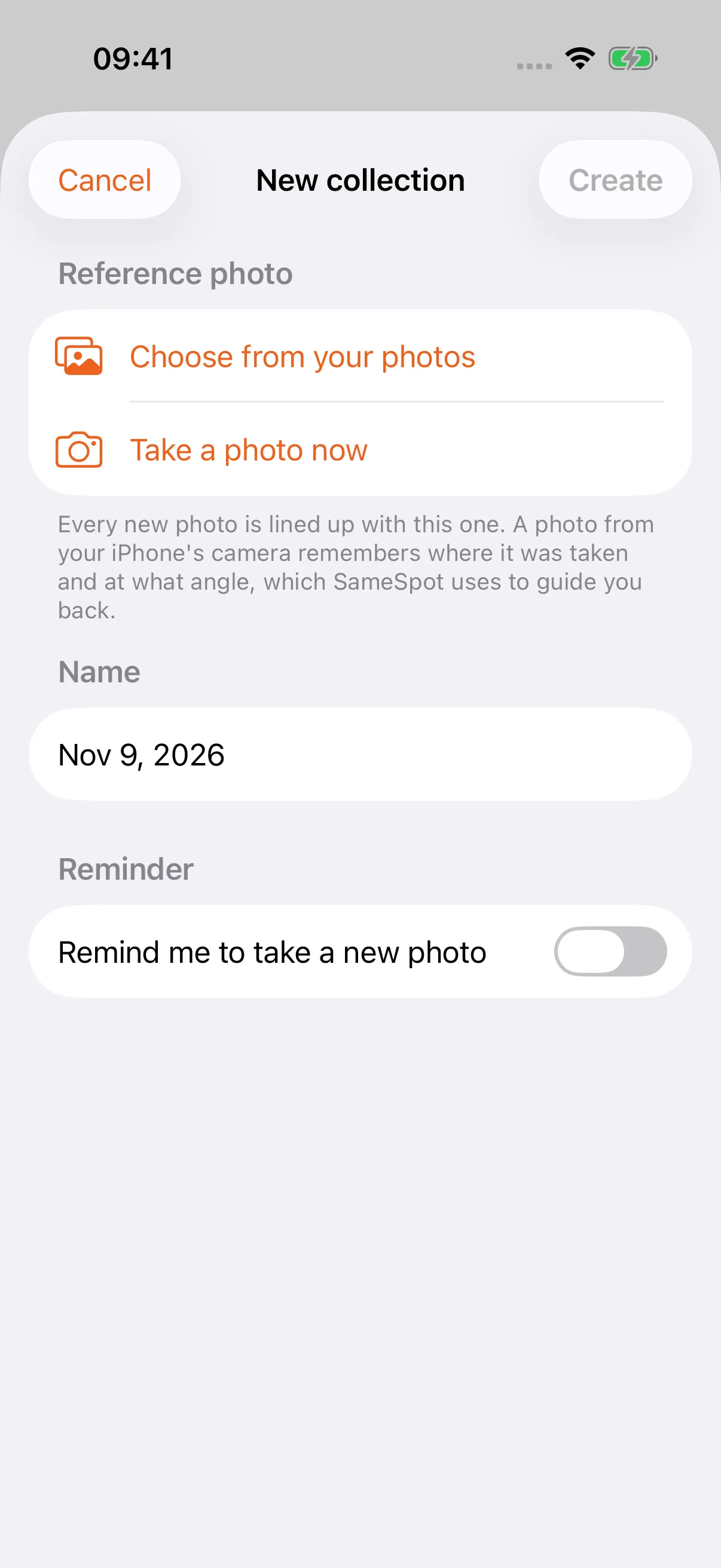
Tap Create a collection, then take the first photo in the app or pick one you already have. It becomes the reference every new photo lines up against, and the collection is named after what SameSpot sees in it.
 PoseCut’s sister app
Your dishes, your kids, your plants. SameSpot lays the first photo over the camera, so the next one lines up with it: next week, next season, next year. Then it plays them back like a story, and lets you slide between before and after.
iPhone · iOS 17 and later
The family
PoseCut lines up two video takes so a transition looks like one impossible shot. Building it, we kept laying the last frame over the live camera, and that turned out to be exactly what progress photos were missing. So it grew up and moved out.
PoseCut
Match your pose between takes and join them into a seamless transition.
Meet PoseCut →
SameSpot
Line each new photo up with the first one and watch the change play back.
You are hereSame frame, months or years apart
Lined up against the same reference, every photo lands on the one before it, so the only thing that moves is what you came to watch. Pick one and drag to compare.
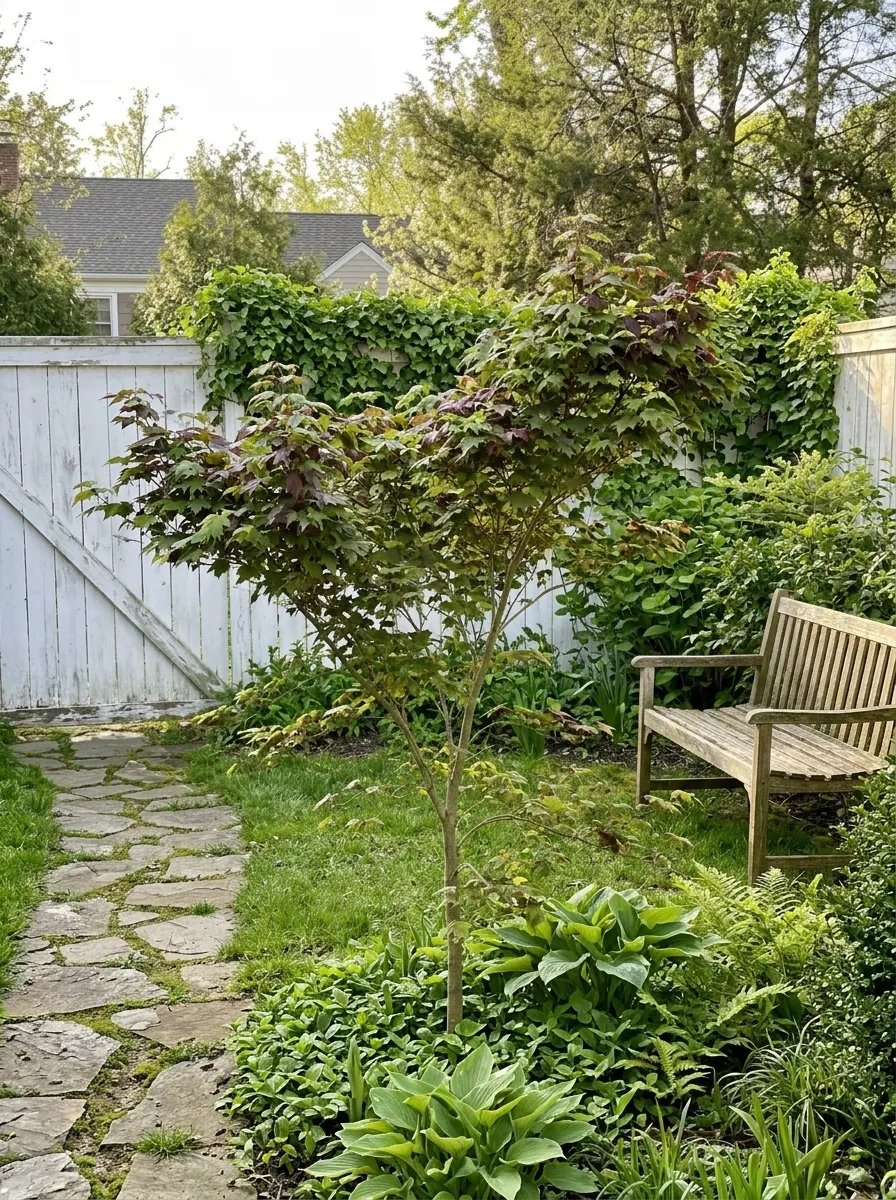
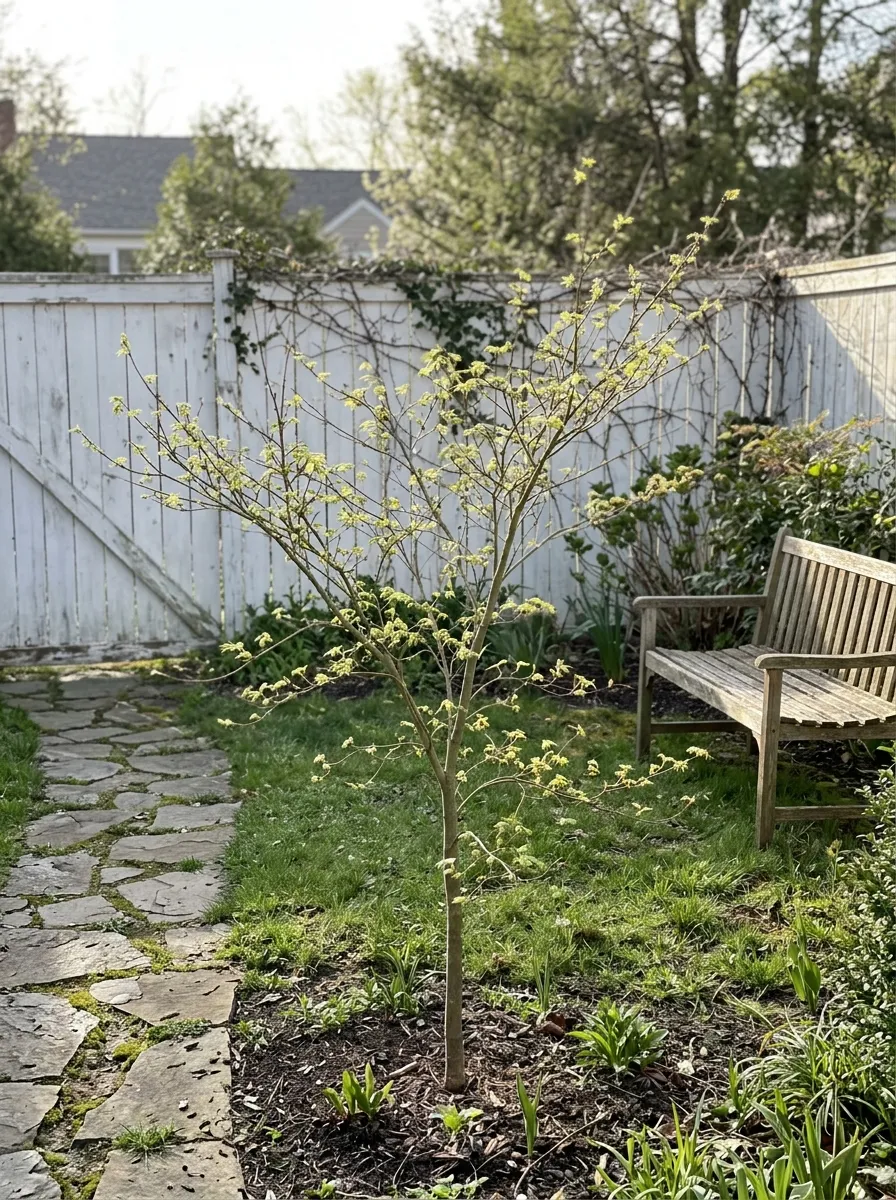




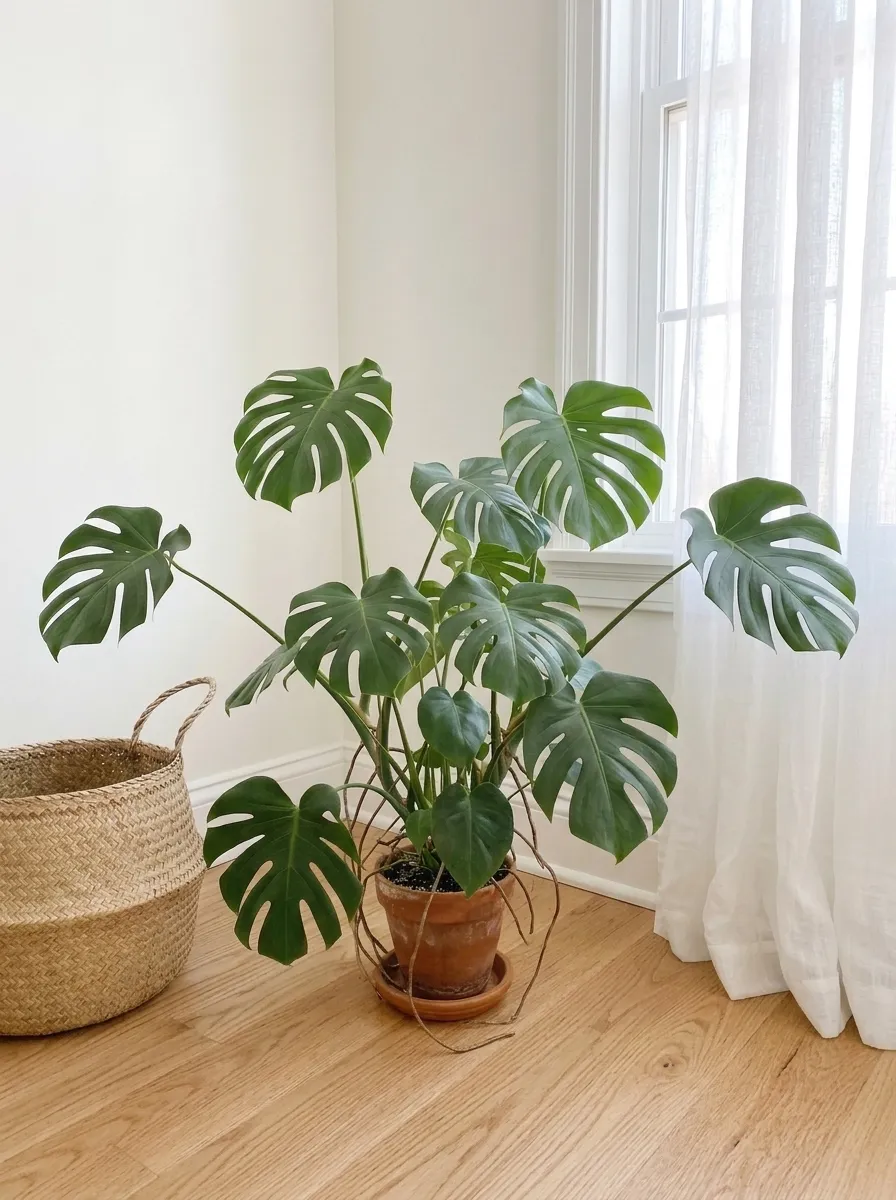
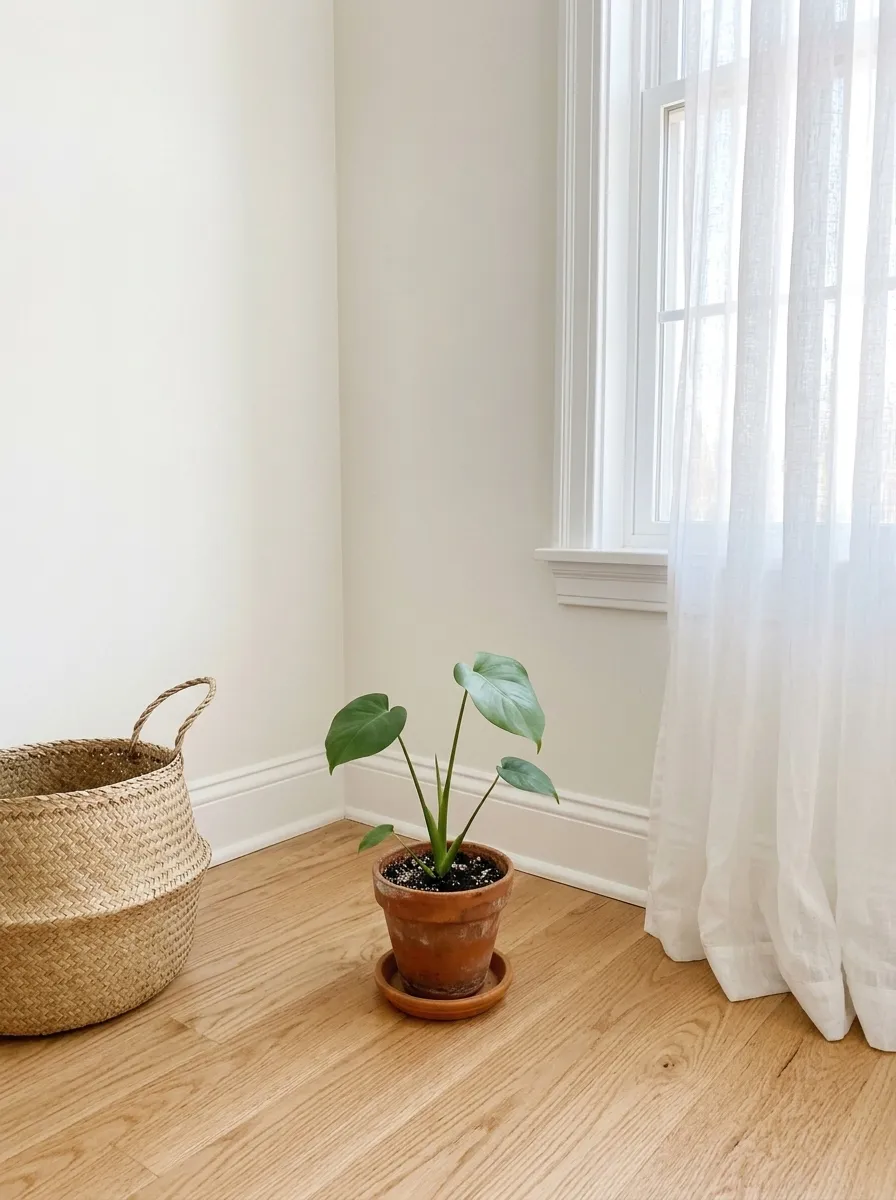 Apr 2024The first photo
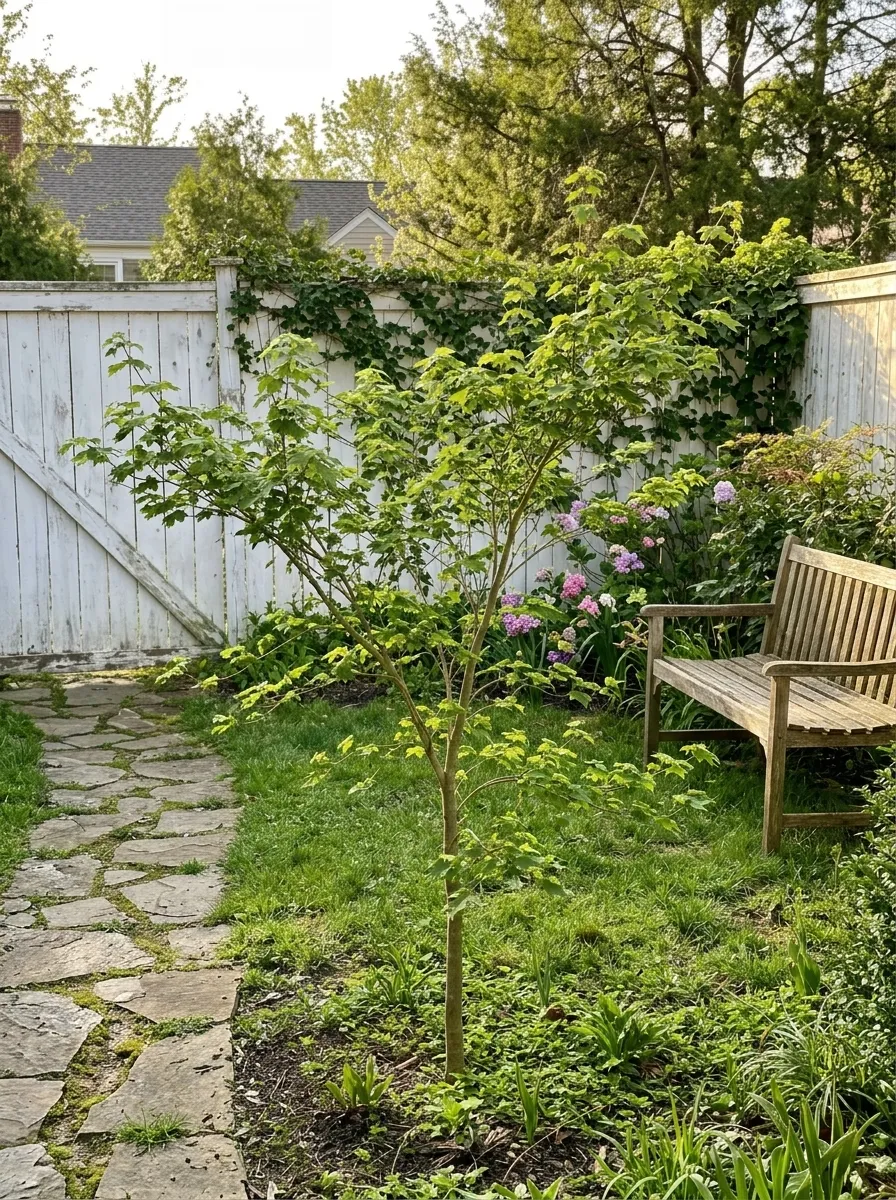 Jul 2024Summer
 Oct 2024Autumn
 Jan 2025WinterMay 2026Two years on
How it works
01
Tap Create a collection, then take the first photo in the app or pick one you already have. It becomes the reference every new photo lines up against, and the collection is named after what SameSpot sees in it.
02
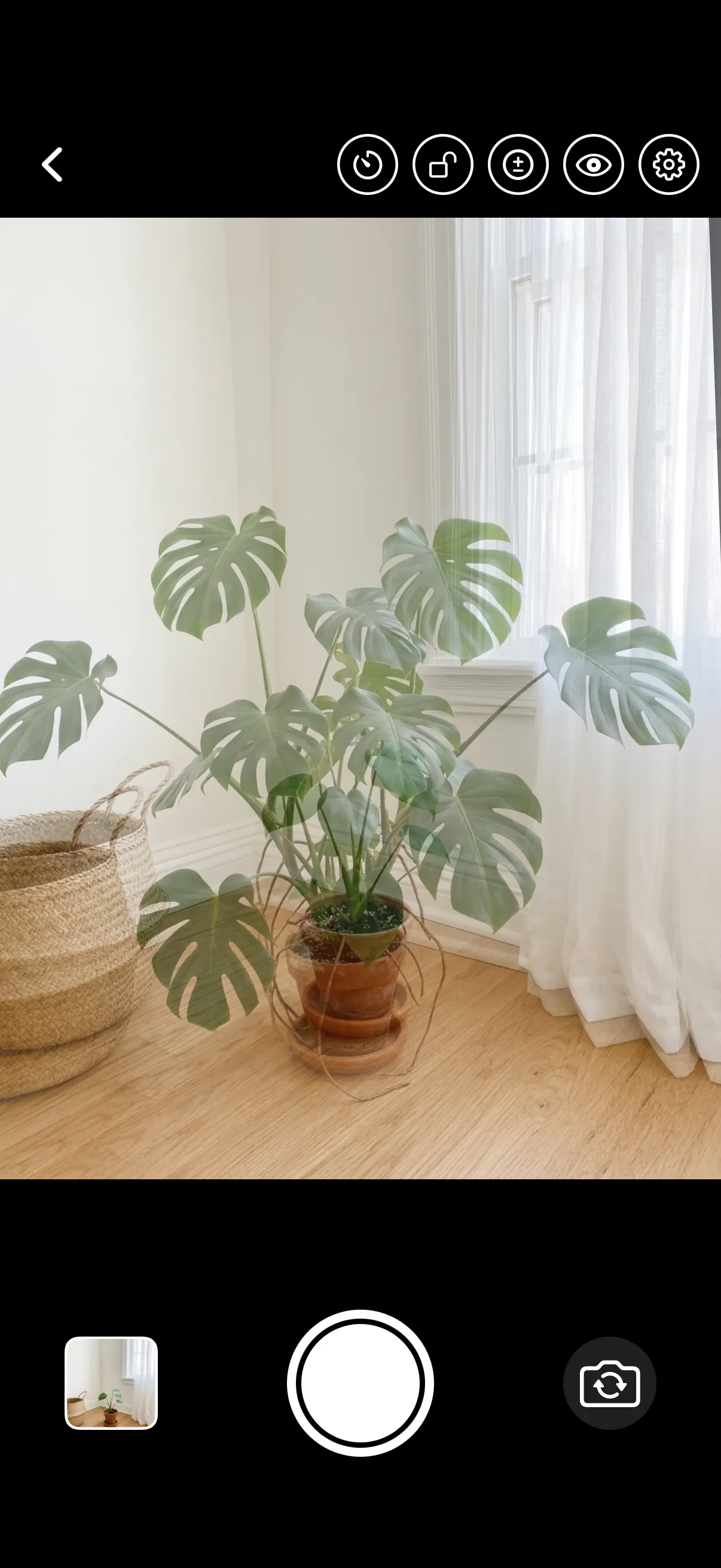
Come back weeks or months later and the reference sits over the camera as a faded photo, with an outline of its subject (and the eyes drawn stronger when it’s a person). Move until the two become one.
03
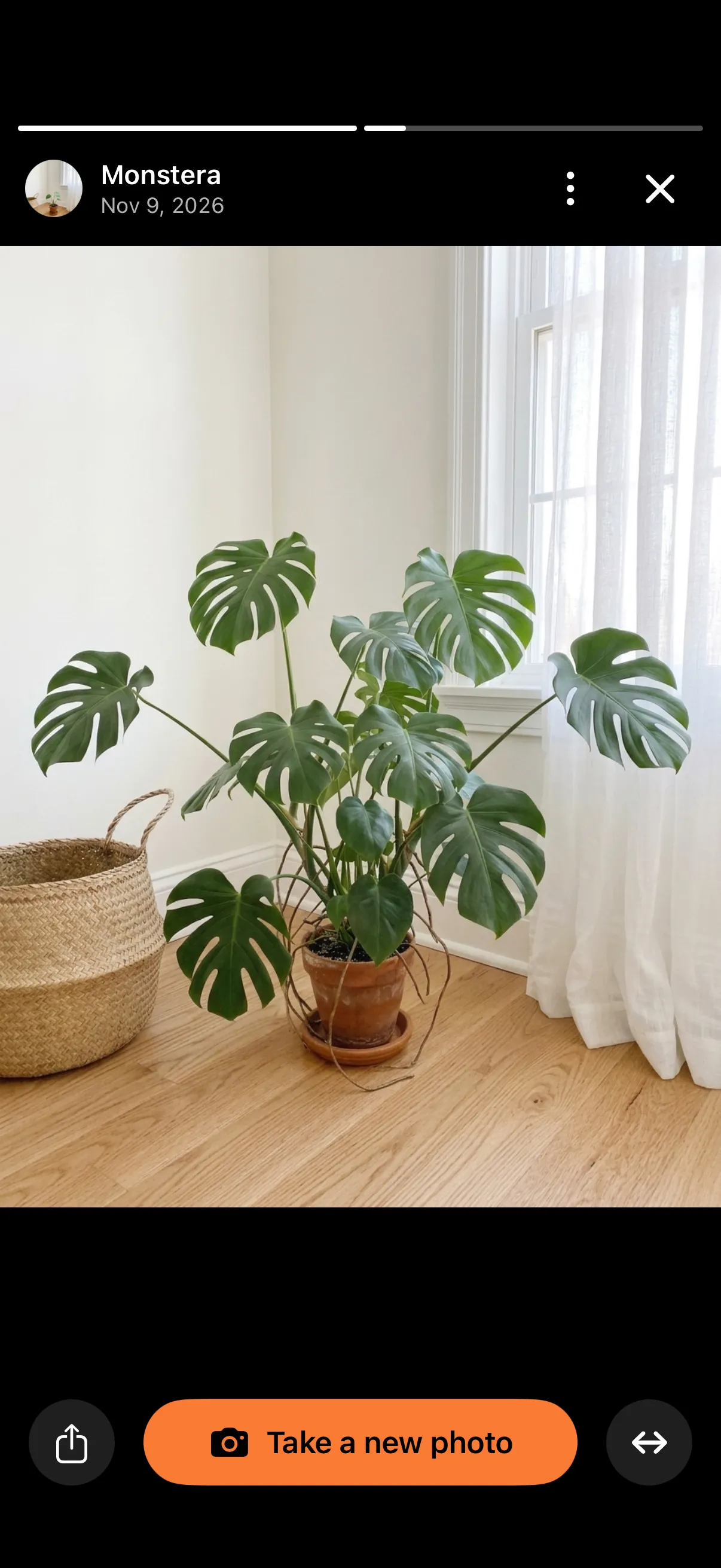
Every collection plays like a story: each photo for a few seconds, oldest first, round and round. Tap through, hold to pause, swipe down to close.
04
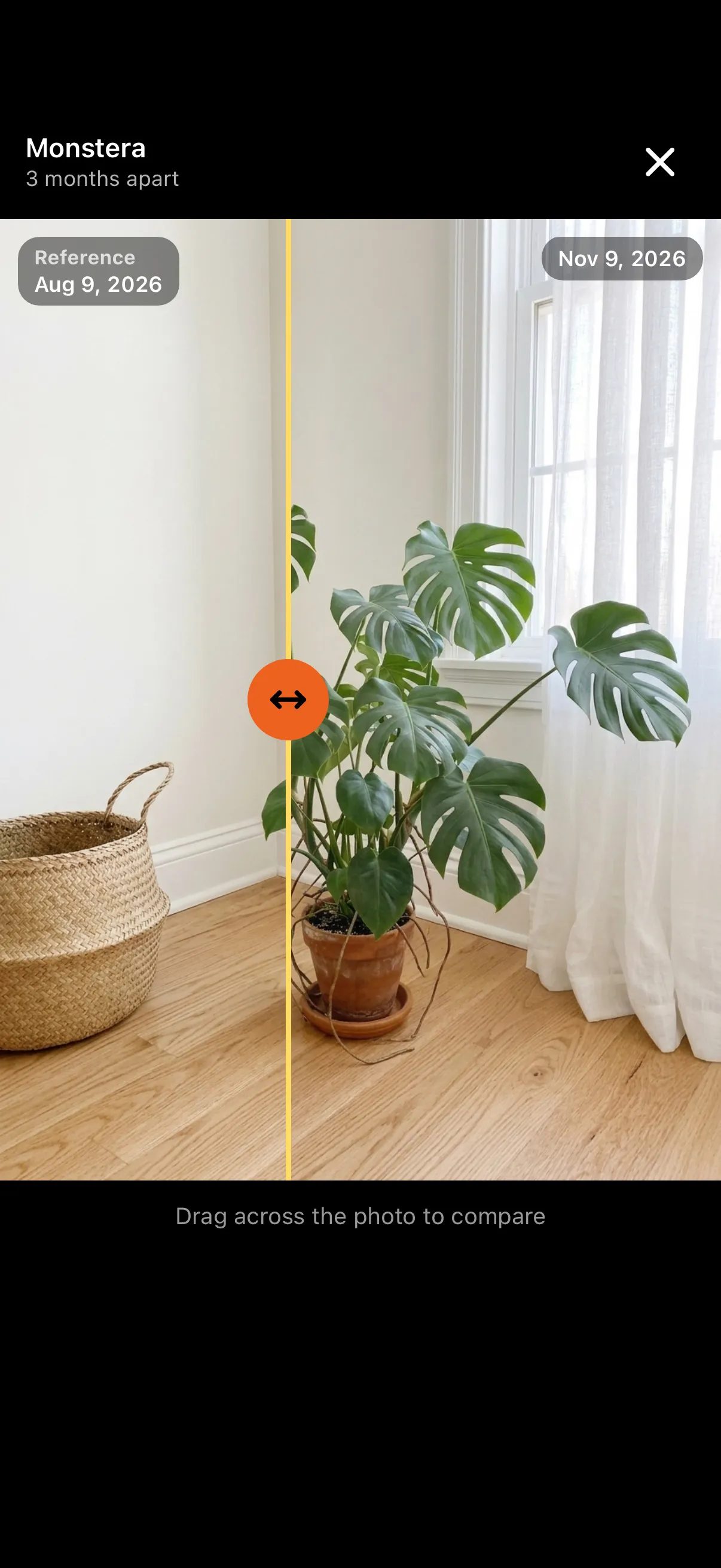
Tap the arrows in the story to lay the photo on screen over the first one and drag across. Hold them to compare with the photo before it, or any other.
05
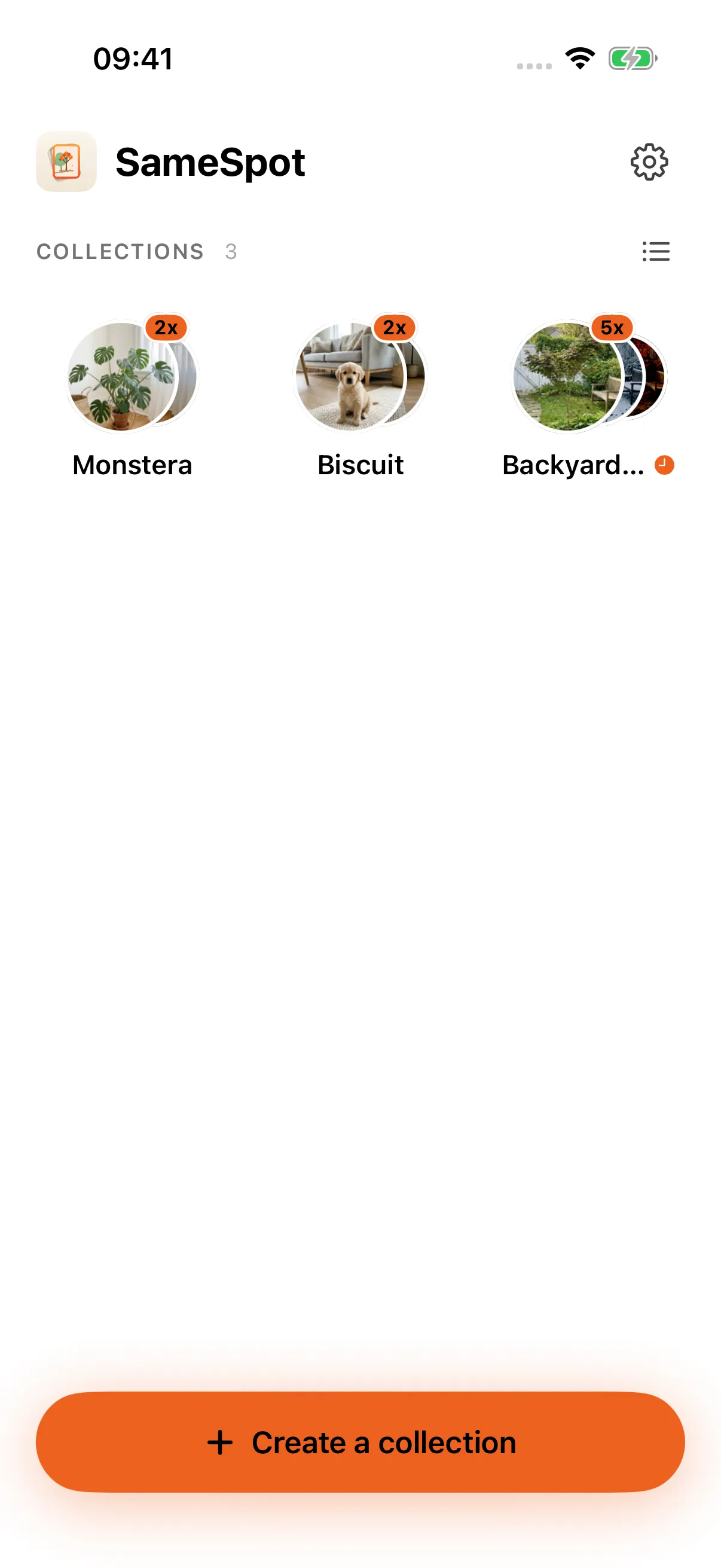
Home keeps every collection, most recent first. Long-press one to export it as a video that plays like the story, as an Instagram post or story, or as an album in Photos.
The details
A level line that sits between the side marks when the phone is tilted the way it was for the first photo.
When the reference knows where it was taken, the camera shows how far away you are and which way to face.
A daily, weekly or monthly nudge for each collection, so the next photo actually happens.
Switch the guide to Lines and only the strong edges are drawn, bright over the camera: a fence, a horizon, the edge of a table.
Every lens your iPhone has, from 0.5× to 5×. A 3s and 10s timer, tap to focus, drag for exposure, long-press to lock both.
Your collections live on your iPhone. They go somewhere only when you share them.
What will you keep coming back to?

Start your first collection
SameSpot is on the App Store for iPhone. Its older sibling PoseCut does the same trick for video transitions.
Download on theApp Store