How to Film a Couples Outfit Transition
Two bodies have to land back on their marks at the same time. Here is how to do that without one of you ruining every take.
The couples outfit check is reliably watched, and reliably abandoned halfway through the shoot.
It’s hard for one reason. A transition needs the frame identical either side of the cut, and now there are two people who have to get back to the same place at the same moment. One of you being 15cm off breaks it, and whoever is off can’t see that they’re off.
Step 1: Pick a movement you can both do
It needs an obvious cue:
- Both walk toward the camera, cut as you fill the frame.
- A hand across the lens, whoever’s nearer does it.
- Both turn away, cut on the backs.
- Step together, then apart.
Avoid anything where you have to guess when the other person moves.
Record, do the move, keep going for a beat, stop.
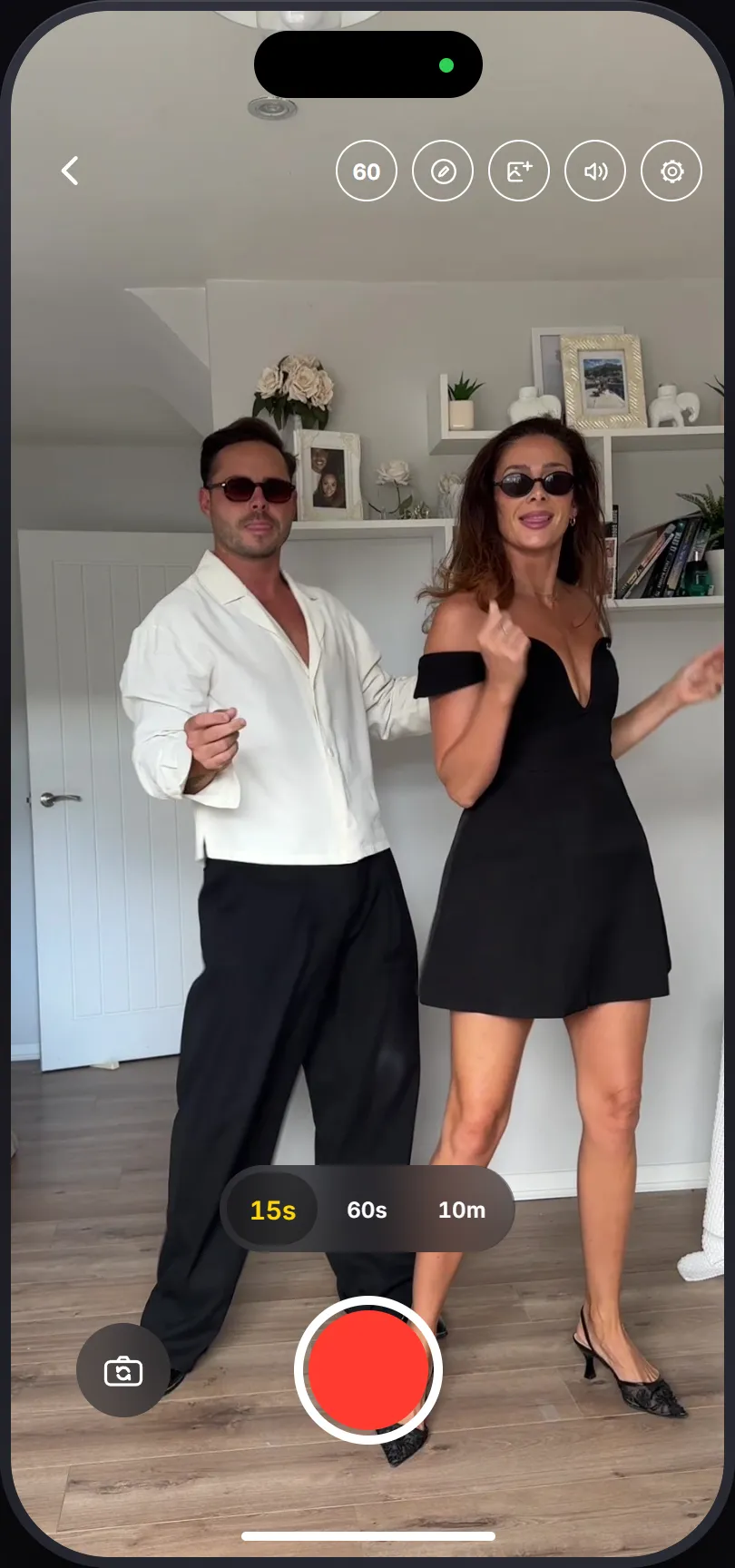
Step 2: Pick a frame where you’re both steady
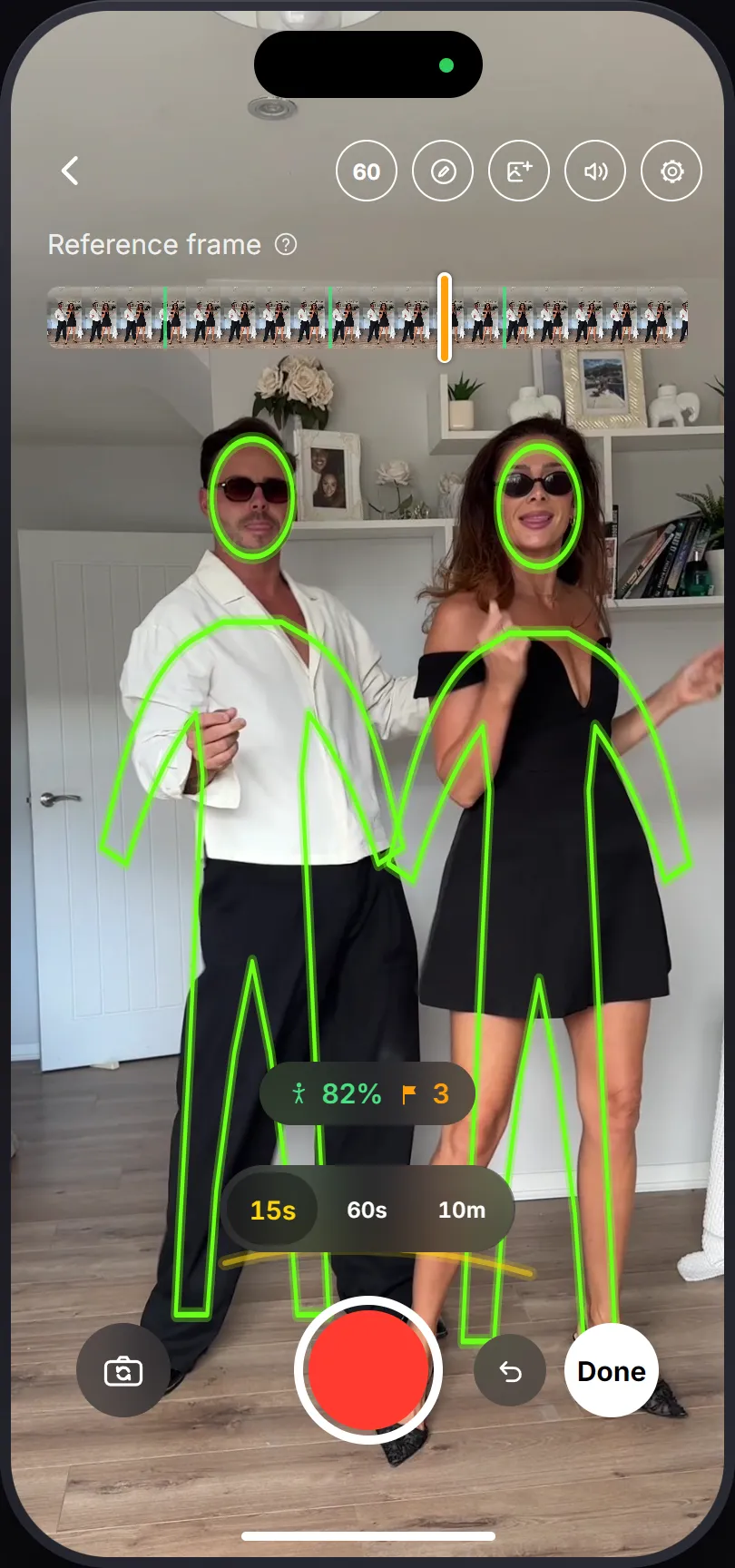
The green marks on the scrubber flag where the subject was holding still, but with two people you’ll want to eyeball it. Find a frame where neither of you is mid stride. One person planted and the other with a foot in the air is a frame only one of you can stand back in.
Step 3: Both change, then line up separately
- Check the ghost first. If the sofa isn’t where the ghost says it is, the phone got knocked. Move the phone, not yourselves.
- Step into the outline one at a time. One person gets into position and stops moving, then the other goes. Two people shuffling at once is how you spend forty minutes on one take.
- Record, repeat the movement.
Bad take? Hit undo next to the shutter. It throws away the last one and puts the guide back on the previous take. You’ll use this a lot.
Step 4: Cut it
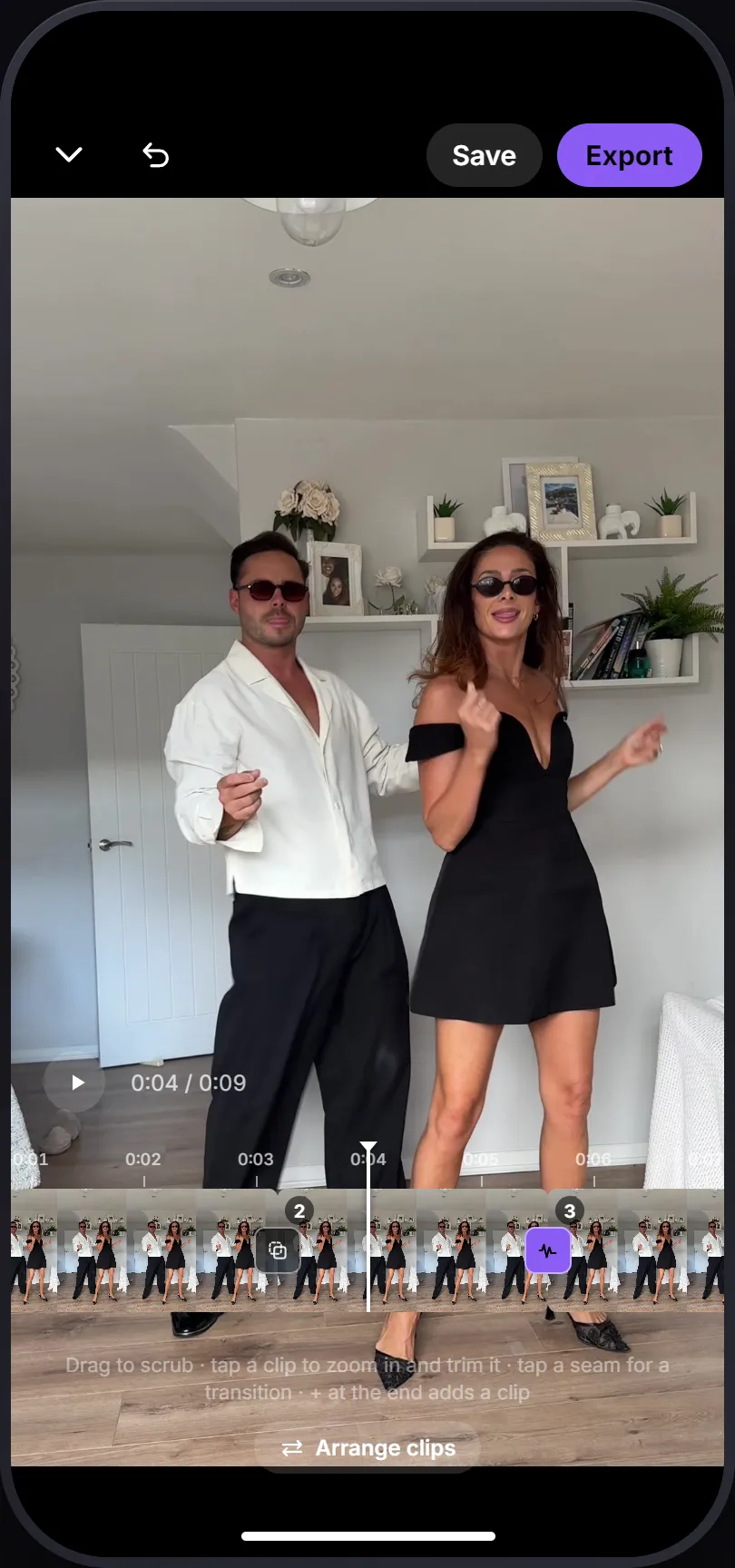
Done opens the editor. Tap a clip to trim it, then tap the seam.
Shake earns its place here more often than it does solo, because a short camera jolt covers the small amount two people will always be off by. If you nailed the match, use Cut.
What actually goes wrong
One person is off and nobody knows which. The outline is per frame, not per person, so the fix is procedural: one of you stands still while the other lines up.
You changed at different speeds. Whoever finishes first stands around, leans on something, and shifts the phone. If you’re ready first, check the ghost and touch nothing.
The light changed. Color matching pins to your first take, which stops most of it. A couples shoot runs long, so finish it in one sitting.
Different heights. Match heads and hips, ignore everything below the knee. Nobody watching is measuring your shins.
If it isn’t working, shoot it backwards
Do the second outfit first, while you’re both still patient, then match the casual take to it. The take you care most about is easier when it isn’t the fourth attempt.
More: the solo night-out change, and the same change, a few times over.