How to Film the Night-Out Outfit Transition
Day clothes, one movement, and you are in the dress. Here is how to land on the same spot twice.
You’re in whatever you wore all day. You spin, or swipe a hand past the lens, and on the other side of that movement you’re in the dress.
That’s it?
Pretty much. Nothing else in the frame changes. Same room, same light, same distance. Only the clothes move, so the clothes are all anyone looks at.
The hard part isn’t the edit. It’s coming back to a position you can’t see anymore.
Two takes, one cut
Take one is the everyday outfit. Take two is the going out outfit, same movement from the same spot, carried on into the reveal.
The cut goes inside the movement. Not before it, not after it.
Step 1: Put the phone down
A shelf, a stack of books, a tripod. Every transition that fails, fails because the camera moved.
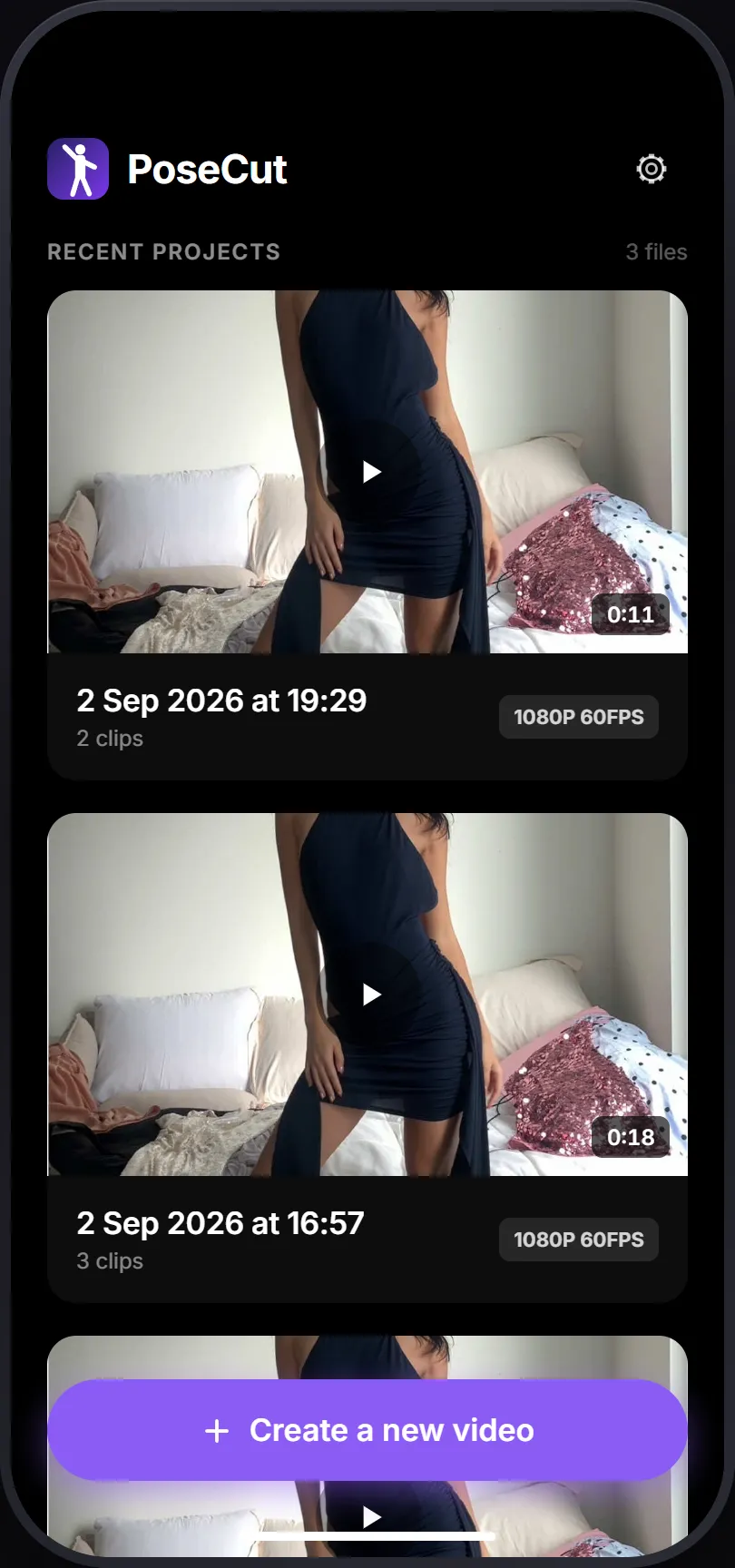
Open PoseCut and tap Create a new video. Set 60fps if the movement is fast.
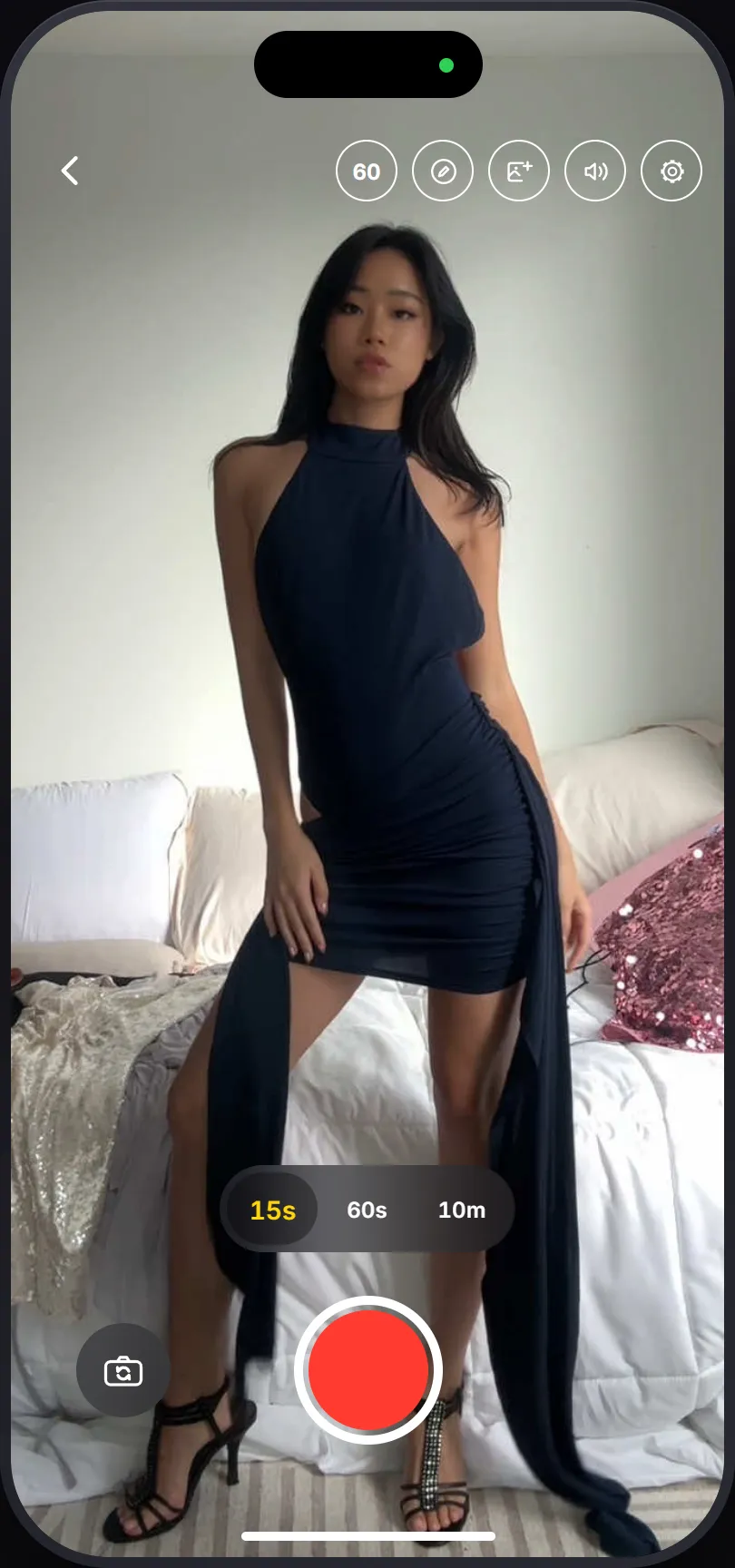
Step 2: Record, and don’t stop moving
Do the movement, then keep going for a beat after it. Don’t stop on the pose you want to cut on.
This is the one instruction everybody skips.
Step 3: Pick the frame you’re coming back to
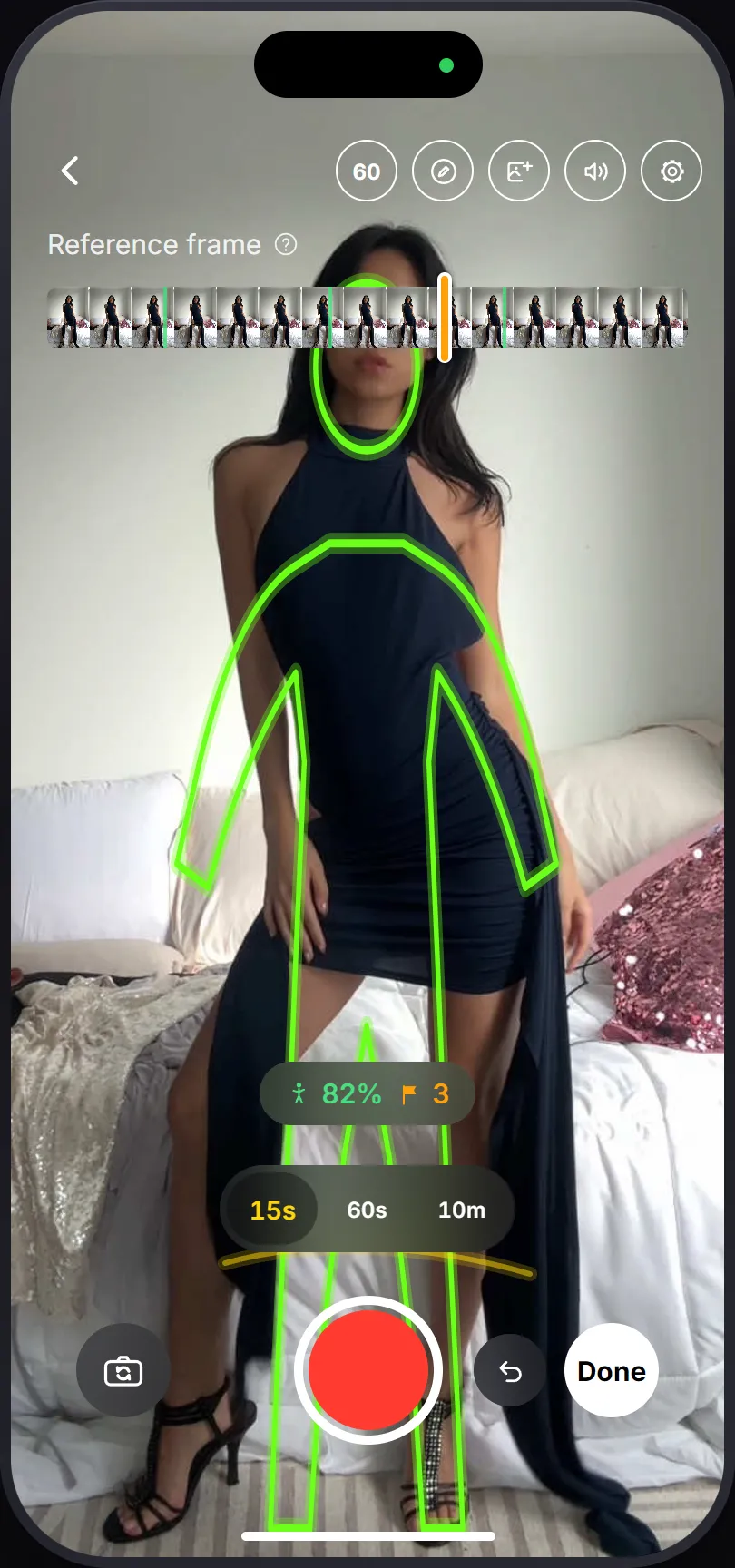
A scrubber appears over the take. Drag it and an outline of your body redraws over the live camera.
The green marks are where you were holding still. Those are the frames you can actually get back into. A frame from the middle of a spin is a frame you’ll never hit twice.
Step 4: Change, then stand in the outline
When you come back there are two overlays. The outline is for you. The ghost is for the camera: if the room behind you doesn’t line up with it, the phone got knocked, and standing correctly won’t fix that.
Then get in the outline. The pill turns green when you’re close enough. Don’t chase 100%.
Step 5: Cut it
Done opens the editor. Tap a clip to trim it. Tap the seam and pick the join: Cut if the movement covers it, Shake if the two positions are close but not perfect.
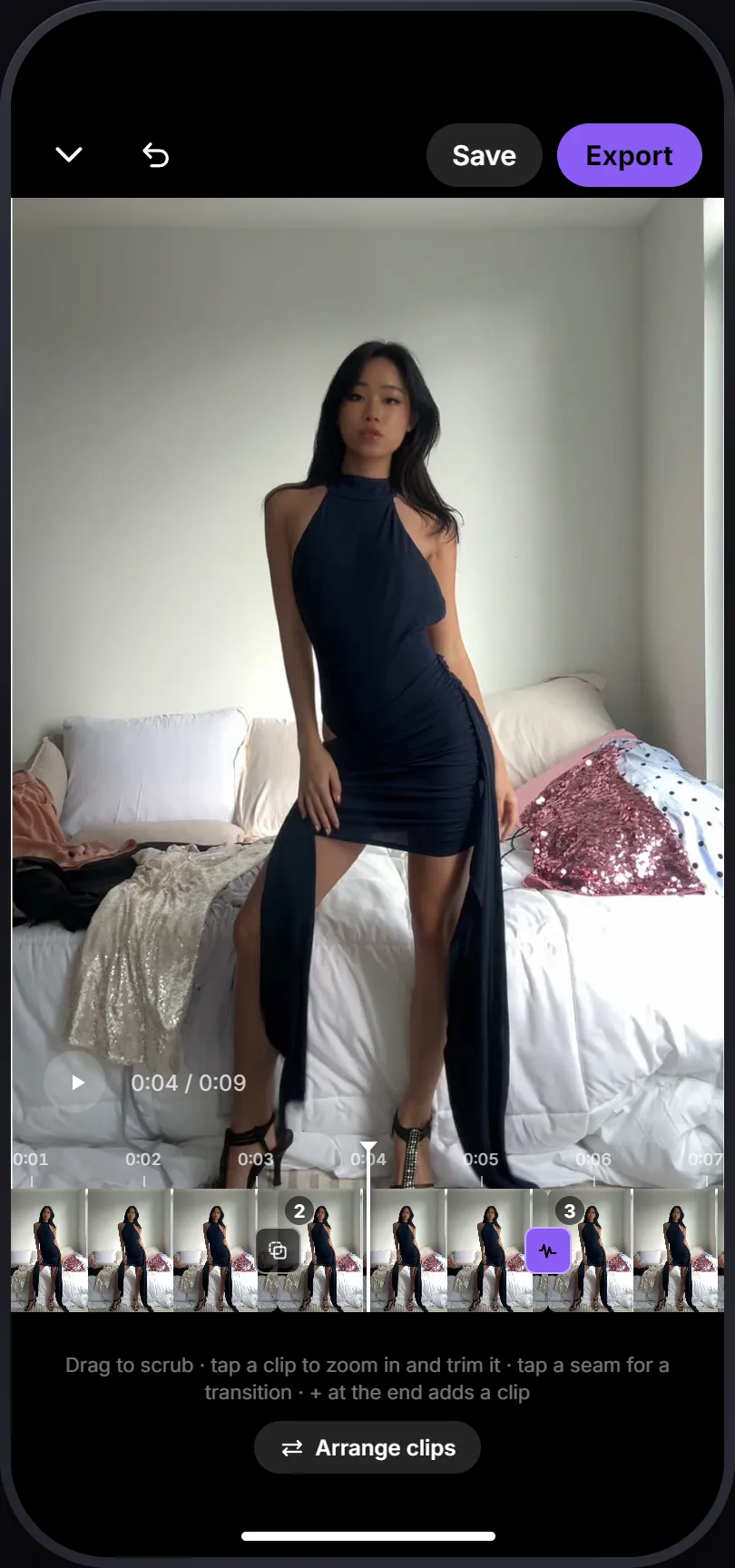
Export. It lands in your photo library.
Get the sound before you shoot
Shoot in silence and add a track afterwards, the change lands near the beat. Shoot to the track and it lands on it.
PoseCut has no music library, so it pulls the audio out of a screen recording:
- Open the TikTok you want the sound from.
- Screen record it from Control Center. Microphone off.
- Stop. It saves to your photo library.
- In PoseCut, tap the speaker icon and pick that recording. The picker shows videos. That’s correct.
Every take then gets a countdown and plays the track from wherever the finished video has already reached.
Three things that ruin it
The color shifts. PoseCut pins exposure and white balance to your first take. If you change rooms, lock it again, and accept that earlier takes keep the old look.
You cut on a still pose. Two frozen frames joined together look like two frozen frames joined together.
The dress changes your silhouette. Match head, shoulders and hips. The outline is a guide, not a stencil.
Next: the same change, a few times over, and the couples version.